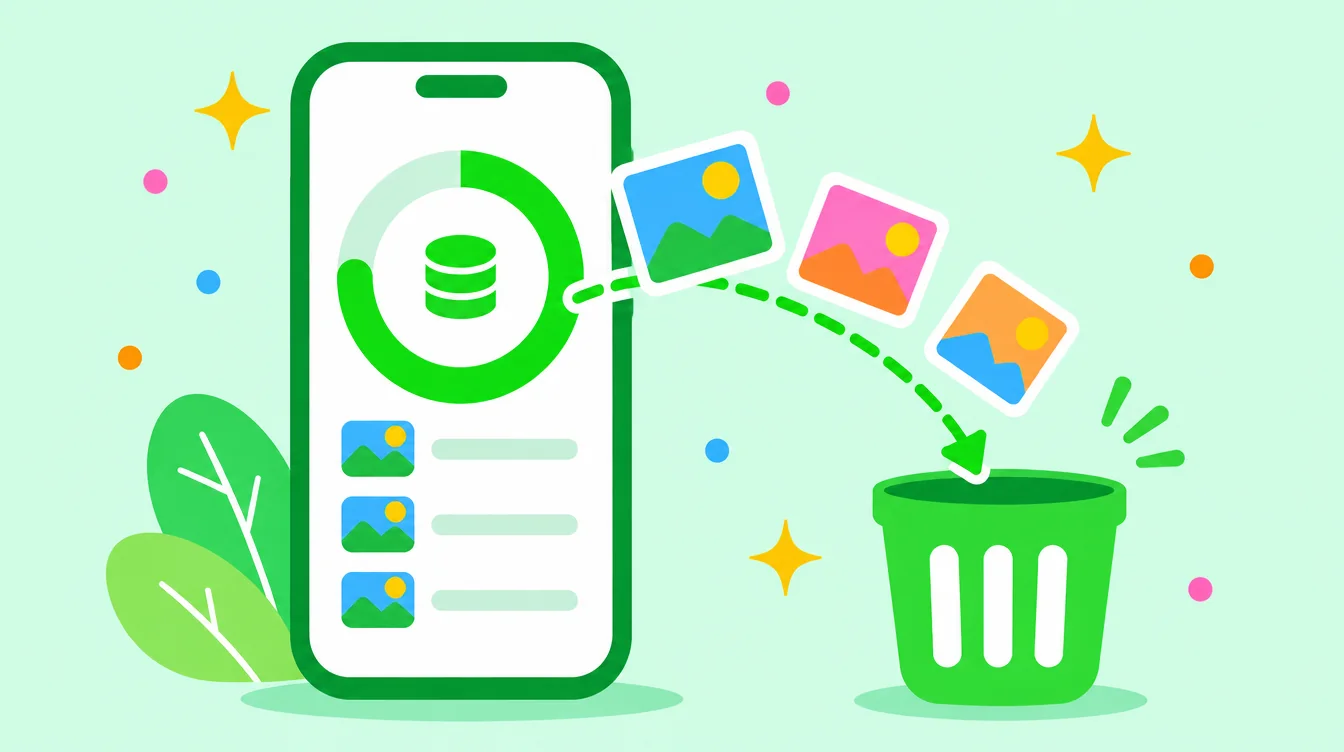
Floosh is now on Android. If your phone keeps telling you Storage Full, Floosh helps you get the space back without scrolling through thousands of photos by hand. Google has approved the app and you can get it on Google Play.
Floosh finds similar photos, blurry photos, very dark photos, old screenshots and very large videos. You review them, then delete. Nothing leaves your phone, there is no account, and nothing is deleted without your tap and Android's own confirmation.

What Floosh does
Tap Scan and Floosh looks through your photo library on the phone itself. It sorts what it finds into categories and shows how much space each one can free:
- Similar photos, like the nine nearly identical shots of one plate of nasi lemak. Floosh suggests a likely best shot and you decide.
- Blurry photos and very dark photos.
- Old screenshots.
- Very large videos, which usually free the most space.
There is also a swipe mode. Go through your photos one card at a time: swipe left to toss a photo into the bin, swipe right to keep it. Press and hold any photo or video to view it in full first, which helps with a long video.
Safe by design
- Swiping left never deletes anything. It only moves the photo to the Floosh bin.
- Photos are deleted only when you press delete and confirm in the dialog that Android itself shows.
- Floosh never suggests your favourites or photos you keep in your own folders.
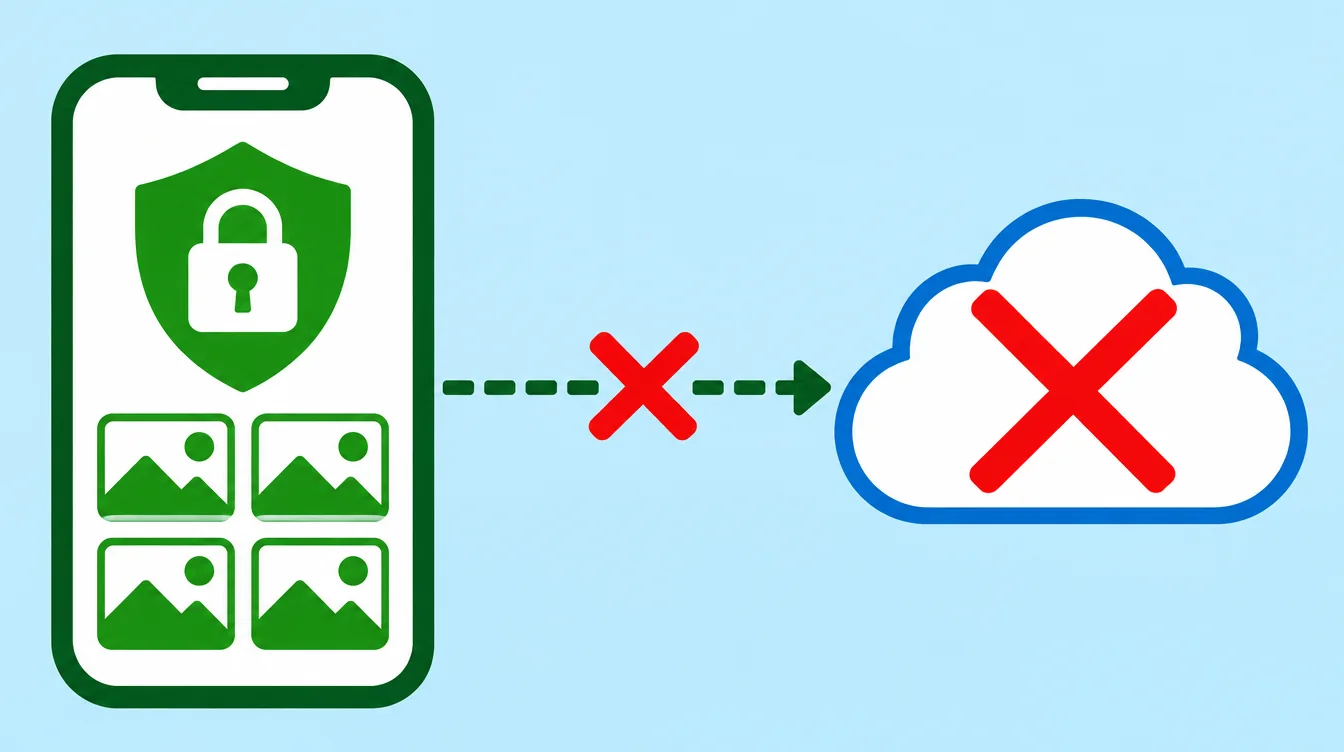
- Everything runs on your phone. No account, no server that receives your photos, no analytics and no ads.
How to start
- Install Floosh from Google Play. It needs Android 11 or newer.
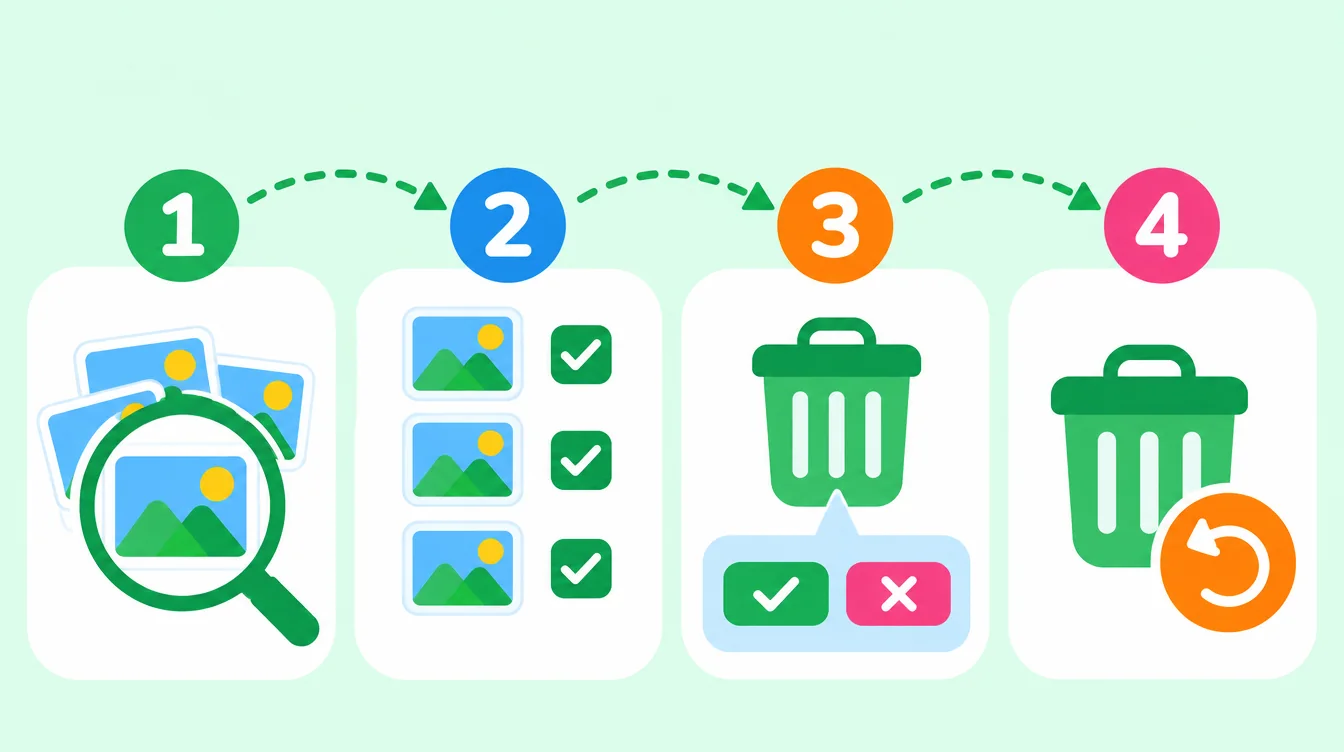
- Open the app and allow access to your photos. You can allow all photos, or only the ones you choose.
- Tap Scan. A big library can take a few minutes the first time.
- Open a category, check the items and delete. Android asks you to confirm.
- Deleted photos go to the Trash of your gallery app, where you can still restore them. Empty the Trash to free the space.
Free and Pro
Floosh is free to start. Scanning, the storage dashboard, swiping and the bin are free, and bulk delete from the smart categories is free up to 1 GB. Floosh Pro removes that limit: in Malaysia it is RM49.90 once for life, or RM29.90 a year, and Google Play shows the exact price in your currency. There is no weekly or monthly plan.
And on iPhone?
Floosh is also on the App Store for iPhone. Get it on the App Store. Both versions follow the same safety and privacy rules.
Who makes Floosh
Floosh is made in Kota Bharu, Malaysia, by Baloot MY Digital Agency. The Android app is written natively in Kotlin. If something does not work, or Floosh suggests something it should not, write to us from the Support page.
Free to try on Android and iPhone.
Questions? Visit Support