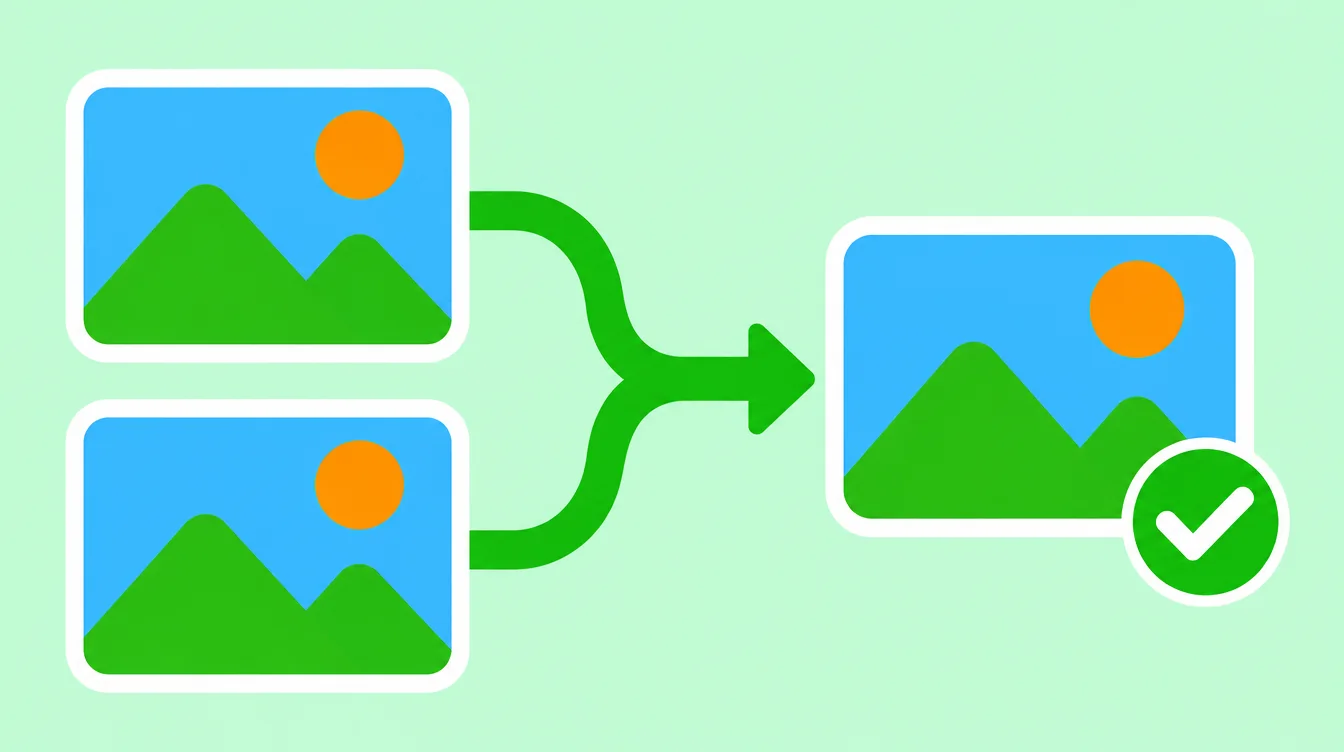
Duplicate photos pile up fast. A screenshot saved twice, a picture you downloaded again, the same photo sent by three friends. This guide shows three ways to delete duplicate photos on iPhone and delete duplicate photos on Android, and how to make the space actually come back.
To delete duplicate photos on iPhone, open Photos, tap Albums, scroll to Utilities, open Duplicates, then Select and Merge. To delete duplicate photos on Android, use your gallery or file manager, since the steps vary by brand. Both only catch exact copies. Merged or deleted photos stay in Recently Deleted or Trash until you empty it.
How do you delete duplicate photos on iPhone?
Method 1 is the Duplicates album that comes with iOS 16 and newer. It is free and you do not need an app. Here is the path:
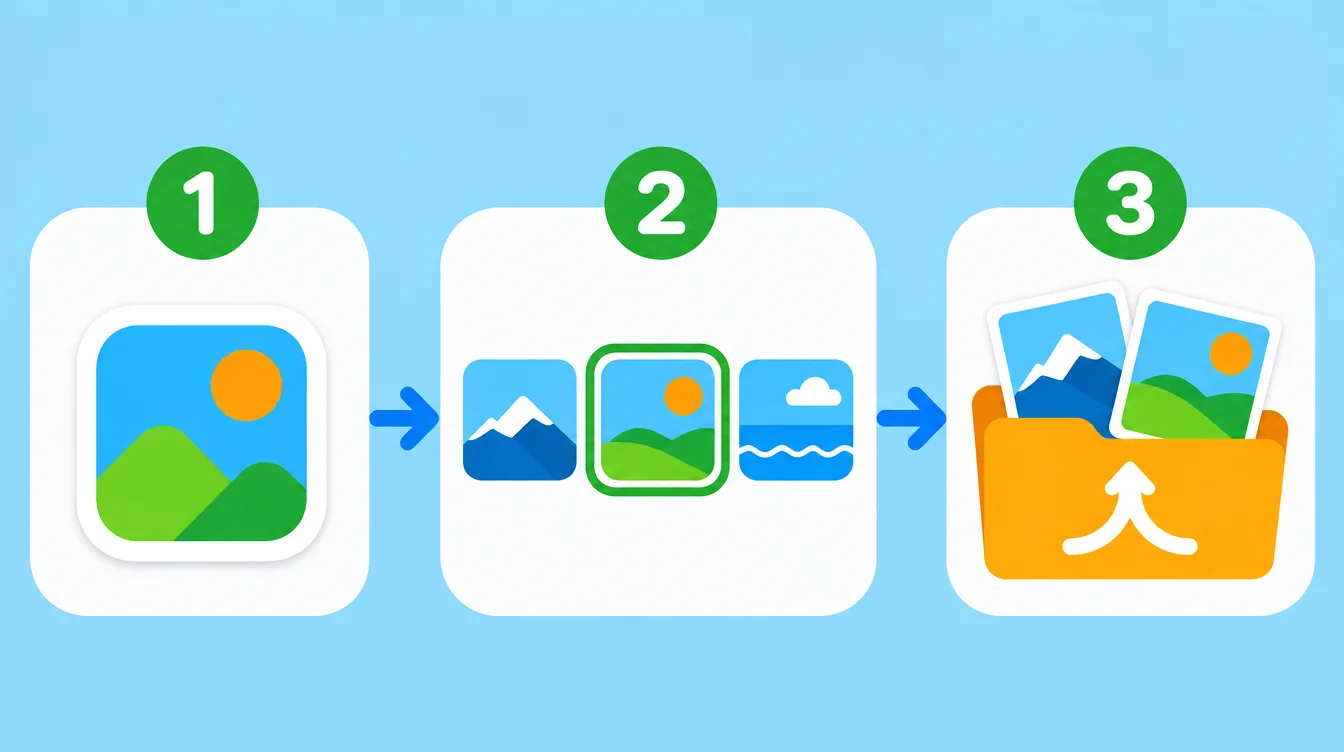
- Open Photos and tap Albums.
- Scroll down to Utilities and tap Duplicates.
- Tap Merge beside a set, or tap Select, pick the sets you want, and tap Merge.
- Confirm. Photos keeps one version and moves the extra copies to Recently Deleted.
If you do not see Duplicates, your iPhone has no exact copies to show, or it is still on iOS 15 or older.
How do you delete duplicate photos on Android?
Method 2 depends on your phone. The gallery app is different on every brand, so there is no single path. Try these in order:
- Open your gallery app and look in its menu or settings for a duplicate finder or a storage clean-up tool. Not every app has one.
- Check the file manager that came with your phone. Some can list duplicate files.
- If you find no tool, open the album, sort by date, and compare photos taken at the same time. Delete the extra copy by hand.
- On most gallery apps (Android 11 and newer), deleted photos go to Trash or the Recycle bin first. Empty it to free the space.
Screenshots are a common source of copies too. See how to delete screenshots on iPhone and Android.
What is the difference between exact duplicates and similar photos?
An exact duplicate is the same photo saved twice. Two files, nothing different. The iPhone Duplicates album finds these, and so do some Android tools.
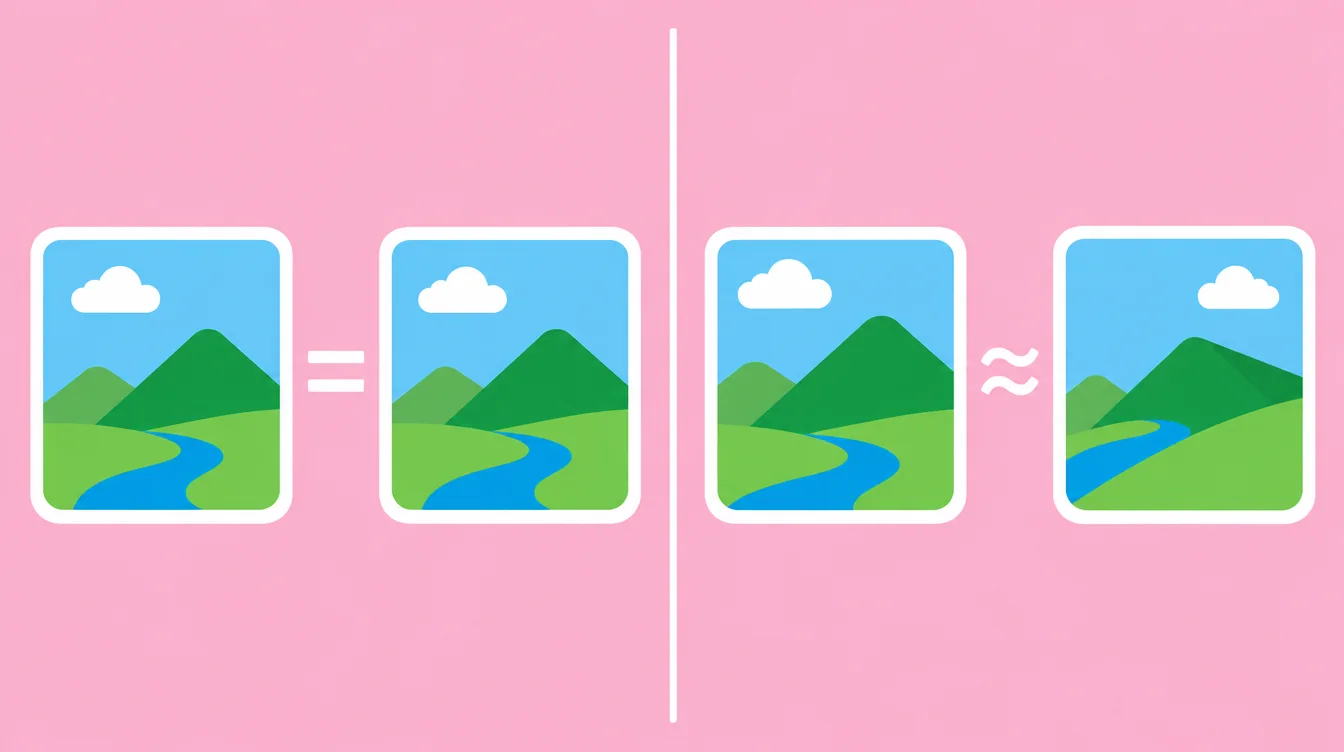
A similar photo is a different shot of the same moment. A burst of ten frames, or ten tries at one group photo, where the faces change a little each time. These are not exact copies, so the built-in tools skip them. This is where the real clutter often hides.
How do you delete similar photos with Floosh?
Method 3 is Floosh, a photo cleaner for iPhone (iOS 17 and newer) and Android (11 and newer). It groups similar photos and suggests the best one to keep. Here is how it works:
- Tap Scan. The scan runs on your phone. Nothing is uploaded and there is no account.
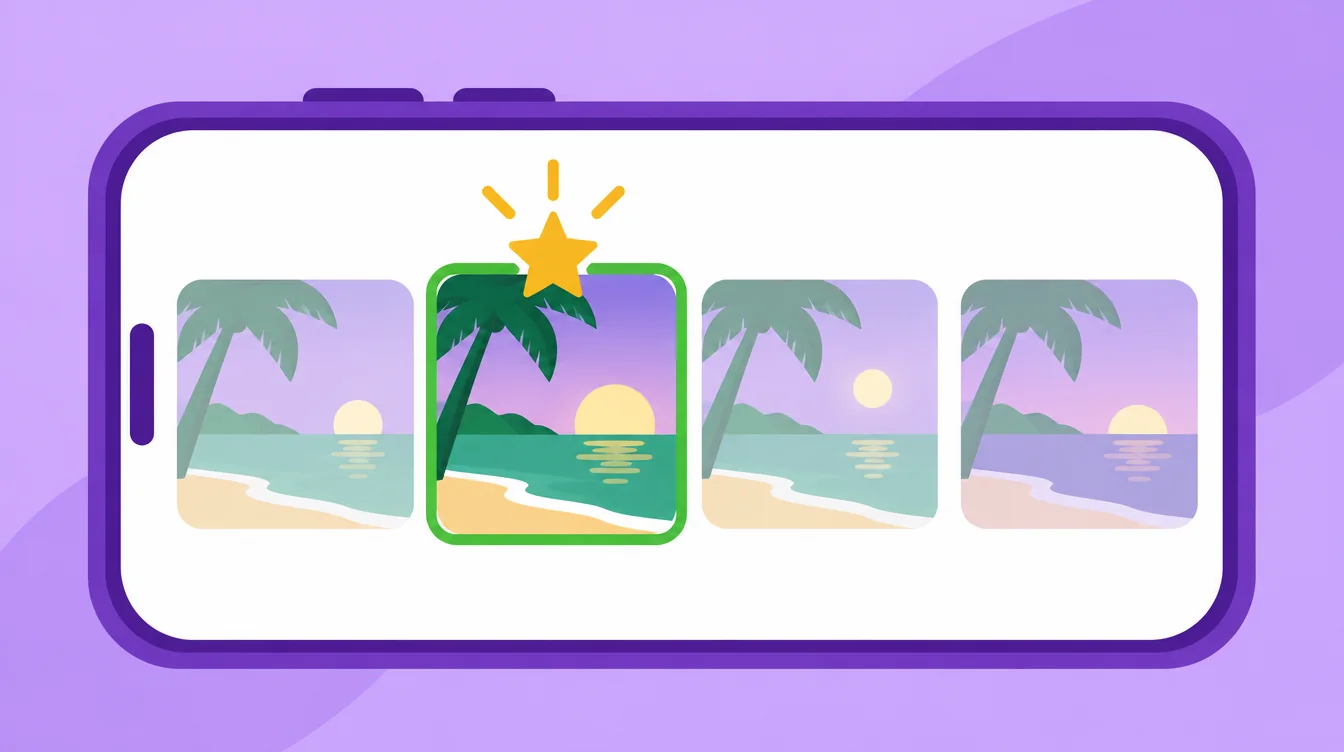
- Open Similar photos. Each group shows a suggested best shot, based on sharpness and the best face. You can change it.
- Swipe left to move the extras to the Floosh bin. This does not delete them. Swipe right to keep, up for favourite. Every swipe can be undone.
- Press and hold a photo for View full if you want a closer look first.
- Delete from the bin and confirm in the iOS or Android dialog.
Floosh never suggests your favourites, photos in your albums, or hidden photos. On Android, photos in non-default folders are protected. Scanning, swiping and the bin are free, and bulk delete from the free categories works up to 1 GB. Floosh Pro removes that limit: RM49.90 once, or RM29.90 a year in Malaysia. Want a routine for swiping? Read the swipe-to-delete checklist.
Why is my storage still full after I delete duplicates?
Because deleted photos are not gone yet. On iPhone they sit in Recently Deleted for about 30 days. On Android they sit in Trash. They still use space until you empty that folder. Floosh cannot empty it for you, but it shows you how.
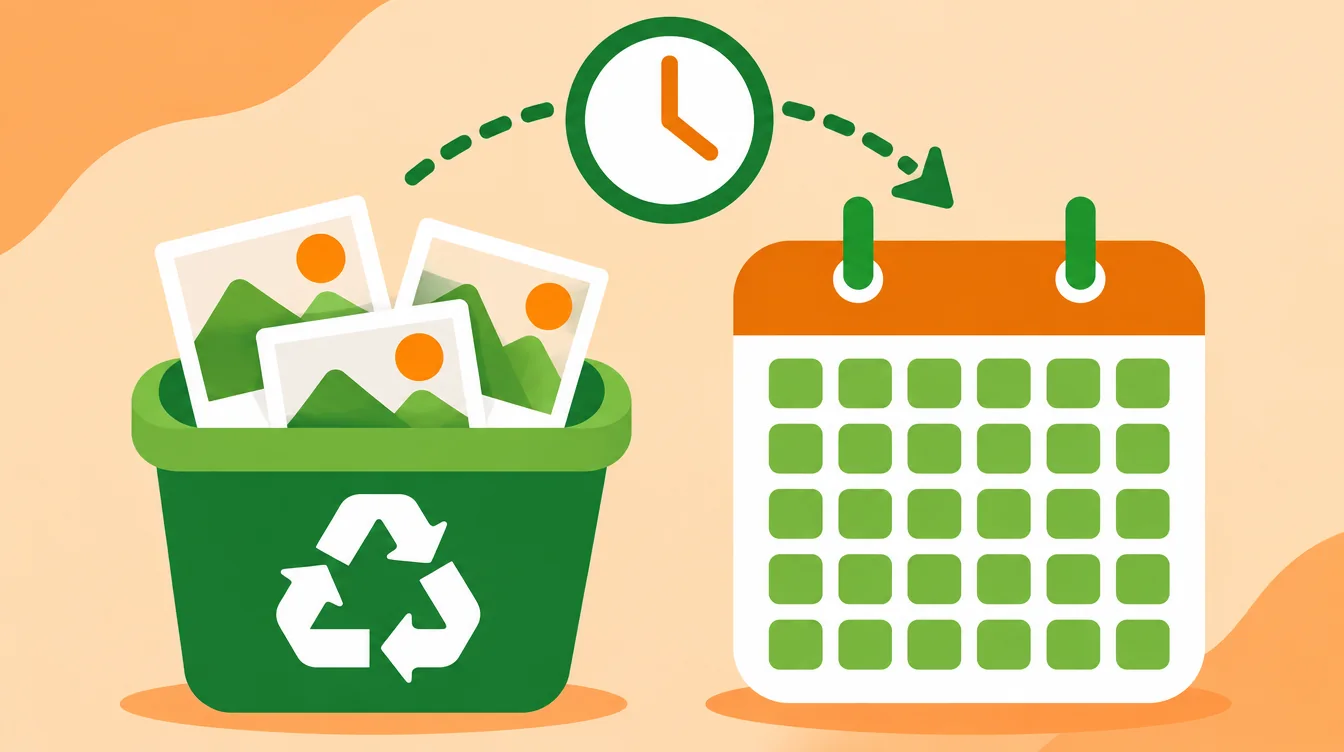
- iPhone: open Photos, tap Albums, then Recently Deleted.
- Tap Select, then Delete All.
- Android: open your gallery, find Trash or Recycle bin, and empty it.
Still full? Read why iPhone storage stays full after deleting photos.
Is it safe to delete duplicate photos?
Yes, if you check first. Merge keeps one version of each exact duplicate, and Recently Deleted lets you restore a photo for about 30 days. If iCloud Photos is on, deleting on one device deletes it on your other devices too. With Optimize iPhone Storage, your iPhone keeps small versions, so the space you free may be smaller than expected.
Ready to clear the similar shots too? Get Floosh free to start, on iPhone and Android.
Free to try on iPhone and Android.
Questions? Visit Support