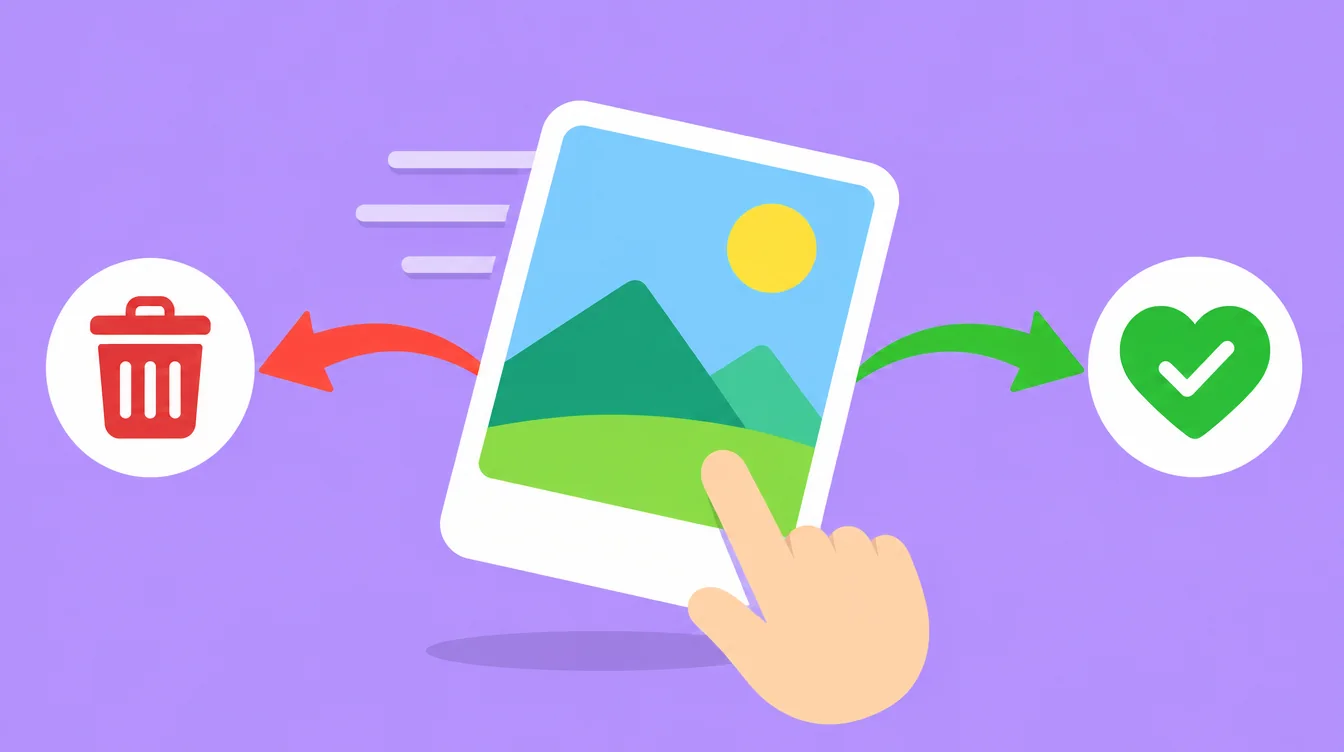
Going through photos one at a time is one of the fastest ways to clean a big library. Left means toss, right means keep. But a swipe is only as safe as the app behind it, so it helps to know what to look for before you give any app access to your photos.
Swipe to delete photos means you see one photo at a time and swipe left to remove it or right to keep it. A safe swipe photo cleaner app does not delete on the swipe. It moves the photo to a bin first, lets you undo, protects favourites and albums, and asks the system to confirm before anything is deleted.
What is a swipe photo cleaner app?
A swipe photo cleaner shows your photos like a stack of cards. You see one photo, then decide. Swipe left to get rid of it. Swipe right to keep it. There is no grid to scroll and no boxes to tick. One quick choice per photo, and the stack gets smaller.
This suits photos you have to judge yourself, like a plate of food you shot five times or a screenshot from last year. It is slower than an automatic scan for obvious clutter, but you stay in charge of every single photo.
Does swiping left delete the photo straight away?
In a safe app, no. A left swipe should only mark the photo for removal. It goes into a bin inside the app, and nothing is deleted until you open the bin, press delete and confirm. That gap protects you from a slip of the thumb.
Undo matters just as much. Every swipe should be reversible, so one wrong flick does not cost you a photo you love. Test it in the first minute: swipe a photo, then bring it back.

Also remember what happens after you delete on iPhone. Photos go to Recently Deleted for about 30 days and still use space until you empty that folder. Read why iPhone storage stays full after deleting photos for the steps.
What should you check before you install a swipe cleaner?
Run this list on any app before you give it access to your photos:
- Does swiping left move the photo to a bin first, instead of deleting it straight away?
- Can you undo every swipe?
- Does it protect your favourites and the photos in your albums?
- Does deleting use the system confirmation dialog from iOS or Android?
- Are your photos uploaded anywhere? Read the privacy policy and check whether you need an account.
- Is the pricing clear? You should know what is free and what costs money before you start.
- Is there a version for your phone, iPhone or Android?
If an app fails the first, second or fourth point, skip it. Those decide whether a mistake can be fixed.
Is the built-in Photos app enough?
The built-in Photos app is free and it does help. On iPhone, open Photos, then Albums, then Utilities, then Duplicates. Tap Select, then Merge. Merged photos go to Recently Deleted. You can also browse Screenshots and Videos under Media Types.
There are two gaps. Photos has no swipe mode, so you review in grids. And it only finds exact duplicates, not photos that are just similar, like ten shots of the same dish. A cleaner app fills those gaps. For the full duplicate steps, see how to delete duplicate photos on iPhone and Android.

How does Floosh match the checklist?
Floosh is a photo cleaner for iPhone (iOS 17 or newer) and Android (11 or newer). Here is how it lines up with the list:
- Swipe left moves a photo to the Floosh bin. It does not delete. Swipe right keeps it, and swipe up marks a favourite.
- Every swipe can be undone.
- Floosh never suggests your favourites, photos in your albums or hidden photos. On Android, folders other than the default one are protected.
- Photos are deleted only after you press delete and confirm in the iOS or Android system dialog.
- Scans run on the phone. Nothing is uploaded, and there is no account, no ads and no analytics.
- Press and hold a photo or video to View full before you decide.
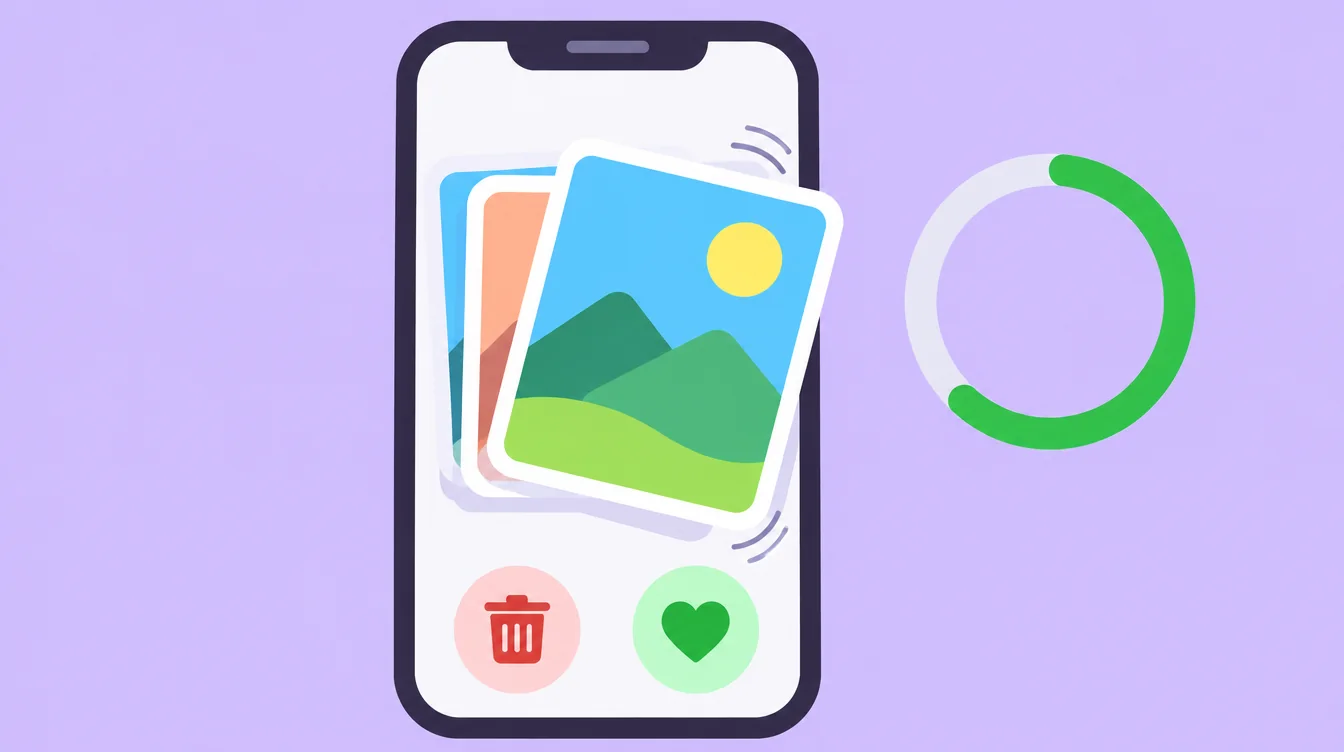
Floosh also groups similar photos and suggests the best one, such as the sharpest or the one with the best faces. You can change the pick. It lists large videos biggest first, old screenshots oldest first, and blurry and dark photos. Deleted photos go to Recently Deleted on iPhone or Trash on Android. Floosh cannot empty that folder, but it shows you how.
How much does Floosh cost?
Scanning, swiping and the bin are free. Bulk delete from the free categories is free up to 1 GB. After that you need Floosh Pro. In Malaysia it is RM49.90 once, or RM29.90 a year, and your store shows the exact price in your currency.
Download Floosh and try the swipe mode on a handful of photos first. It is free to start.
Free to try on iPhone and Android.
Questions? Visit Support